
🍳 Motivation
If there are many servers for developing an AI service, every time a server update is carried out, you have to connect to each server individually and perform the update. The idea that solves this is to software-define the entire server environment as well, creating a specific software environment through virtualization and using it as-is on local and production servers. So, this semester, I wanted to try using Docker while living with Linux.
🍳 Tutorial
Docker automatically recognizes the type of Linux distribution and installs the appropriate Docker package, so with the single command below, the Linux distribution version is automatically detected and Docker is installed in a customized manner.
sudo wget -qO- http://get.docker.com/ | sh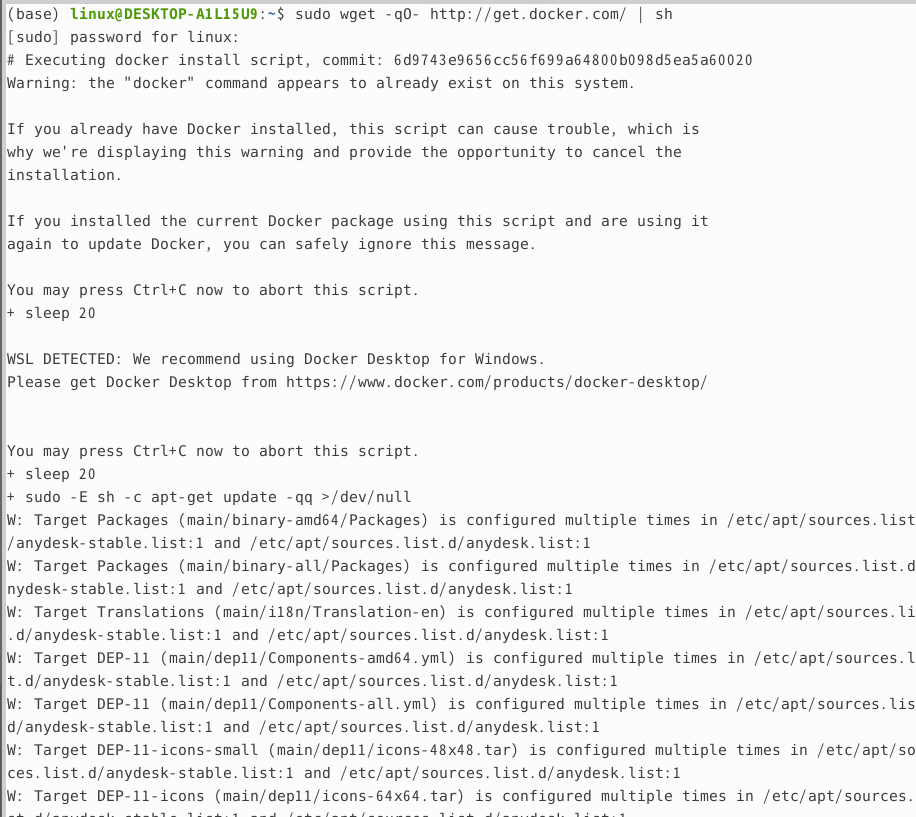
Once the installation is complete, let’s check the version to make sure Docker was installed properly.
docker version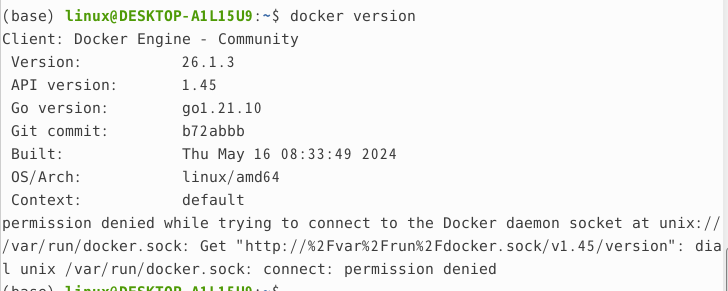
Let’s check whether Docker runs properly.
sudo systemctl status docker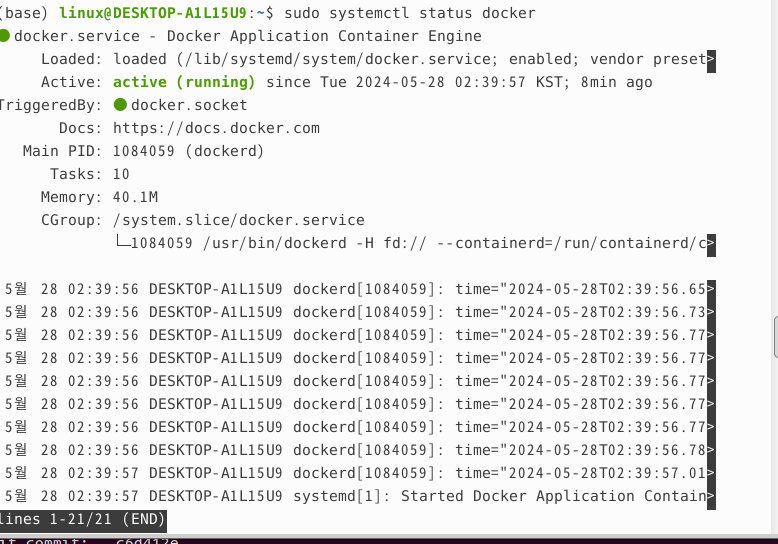
🍳 Reflections
Since Docker automatically recognized the different types of distributions and was installed, there were no major difficulties with the installation. Taking this opportunity to live with Linux for a semester, I would like to work on an AI development project while using Docker myself.
References
- Tutorial reference: https://www.leafcats.com/153