
🍳 Motivation
As a fan of JetBrains products, I currently use CLion and the Professional Edition of PyCharm with my school account on macOS. Since these are resource-intensive programs, they offer a wide range of environments and features needed for development, as well as package management tools. At the moment, I only have VS Code installed on Linux, but I wanted to try installing another IDE, PyCharm.
🍳 Tutorial
Installation
Entering the commands below will install it automatically.
sudo snap install pycharm-community --classic
Simple Process
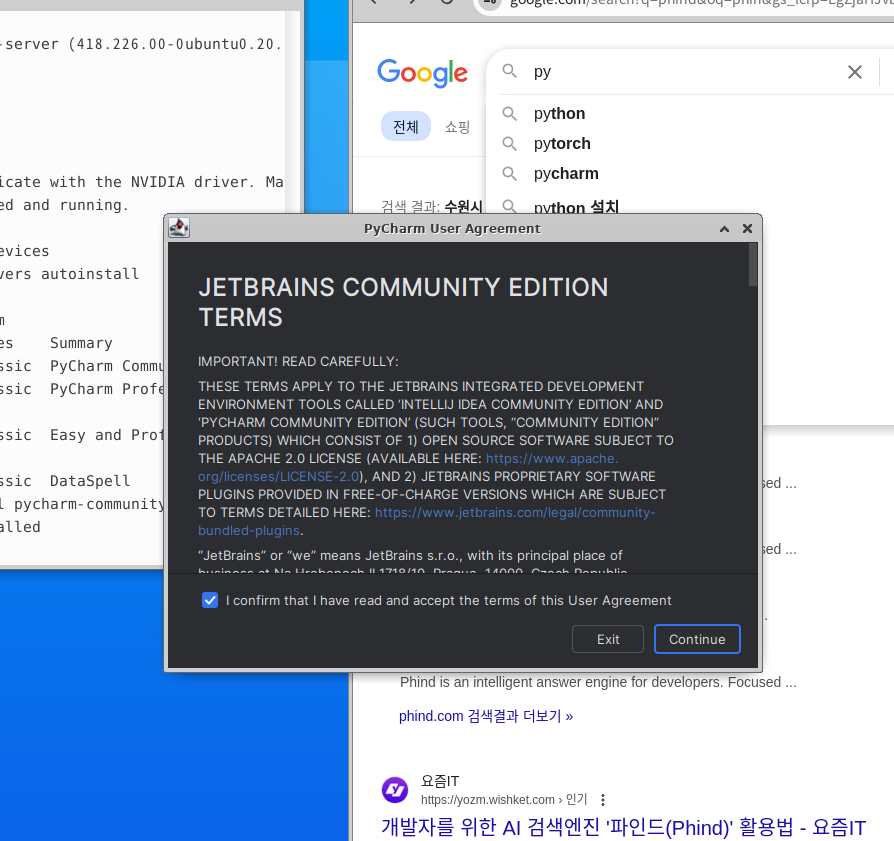
For the terms that always appear when installing programs, you need to click “agree” in order to use them.
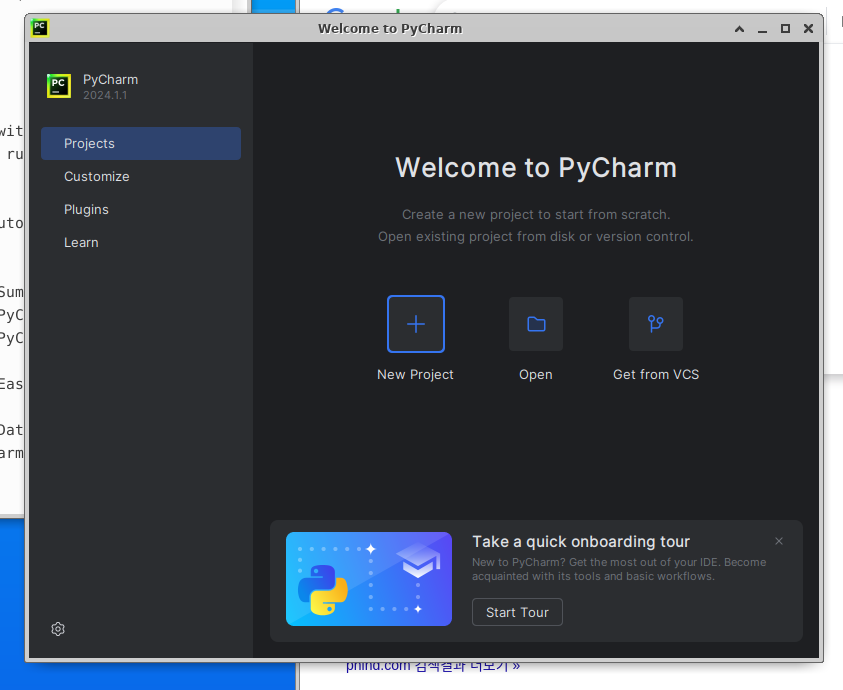
You are now ready to use PyCharm. Let’s get developing~
🍳 Impressions
Installing an IDE is not particularly difficult. I expect things to become more challenging when installing the packages or additional development environments needed to work on a sizable project. I also think difficulties may arise when a specific program is not supported in a Linux environment.