
🍳 Motivation
My main goal is to build my own second brain so that I do not miss any knowledge and can organize it systematically. I was very interested in a local LLM that could be customized to my needs and used offline while solving the security and cost issues involved in building my own personalized knowledge system. I decided to install Ollama because I wanted to use this opportunity to install a local LLM on Linux, fine-tune it, and create a simple bot.
🍳 Tutorial
Installing Ollama
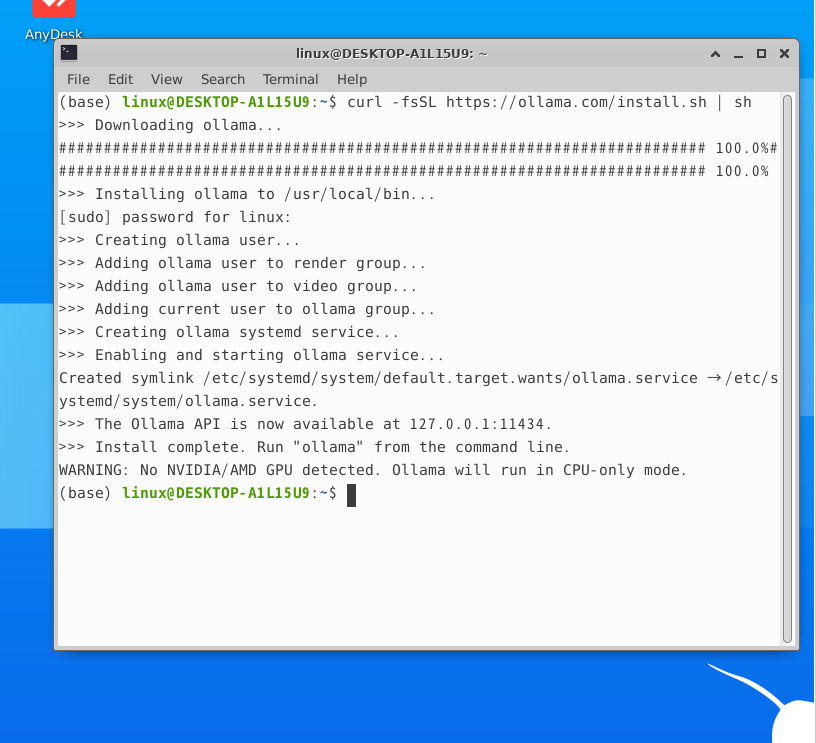
Ollama is a framework that allows you to run an LLM in a local environment. Let’s install Ollama using the command below.
curl -fsSL https://ollama.com/install.sh | shOnce the installation is complete, you will see the following. Since there is absolutely no NVIDIA/AMD GPU in my office laptop, it says that none was detected and that Ollama will run in CPU-only mode,
Trying it out
Trying out Mistral
ollama run mistral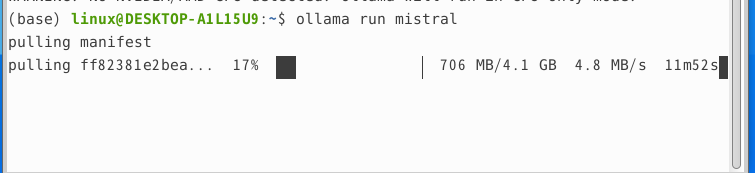
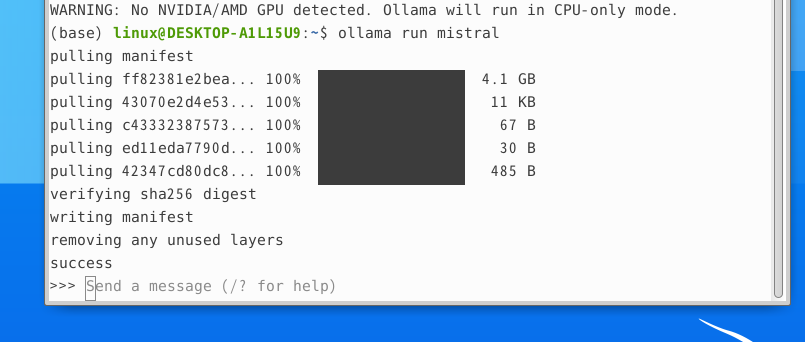
Once the pull is complete, a message window called Send a message will appear.
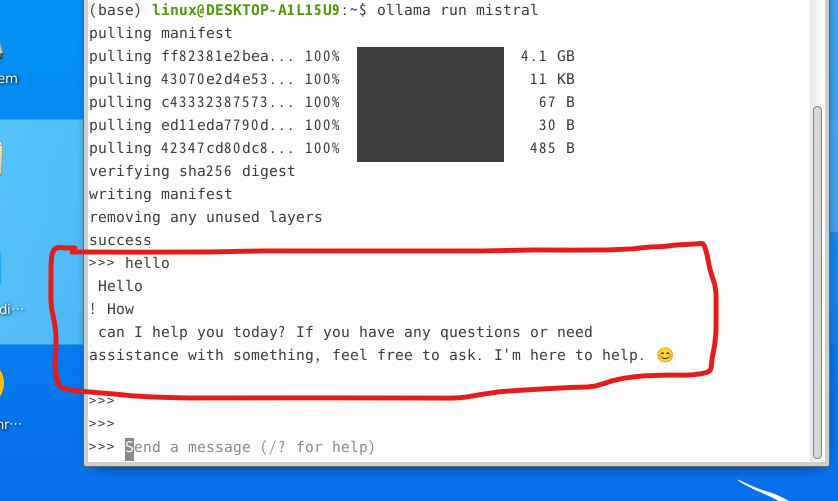
If you enter hello as a test, you can confirm that a response is generated successfully. The line breaks in Mistral’s response appeared that way because I am impatient and pressed Enter several times; in reality, it is output properly on a single line.
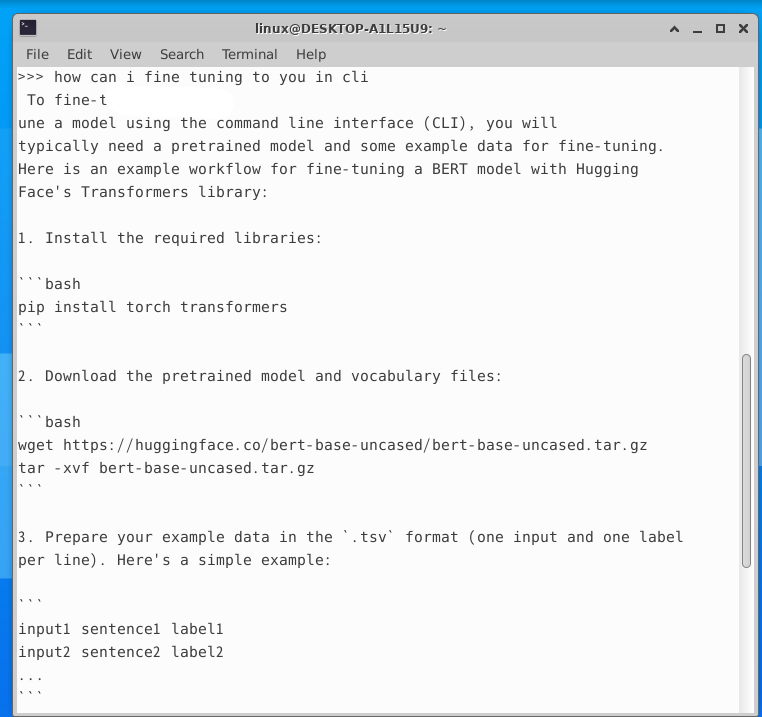
Ask how to fine-tune it
🍳 Impressions
The appeal of a local LLM lies in its data privacy and cost benefits, as well as the ability to customize the model. This offers the significant advantage of applying an LLM specialized for a specific domain—in my case, the domain of ‘me’ as I build my second brain in the future. In building my second brain, a local LLM will likely be used for two functions: question answering based on my knowledge system and automatically structuring the knowledge contained in what I record and experience.
References
- Tutorial: https://brunch.co.kr/@b2439ea8fc654b8/28