
🍳 Motivation
Source code version control is essential when working on a project. To set up my development environment, I installed Git, the most widely used tool for version control.
🍳 Tutorial
Since I wanted to install Git on Ubuntu, I referred to the Ubuntu section for Linux in Git’s official documentation.
Step 1. Update the package list
sudo apt install git-all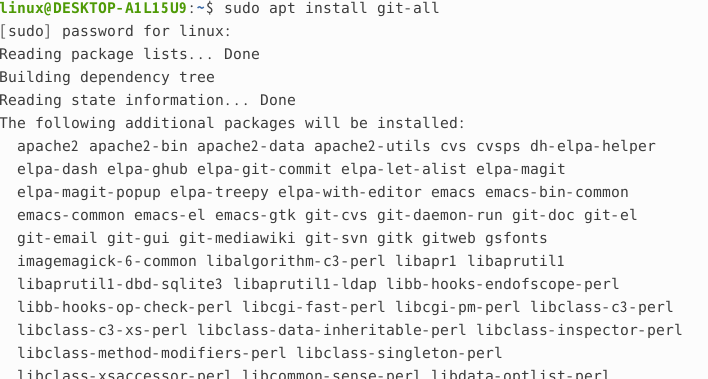
Step 2. Install Git
sudop apt install git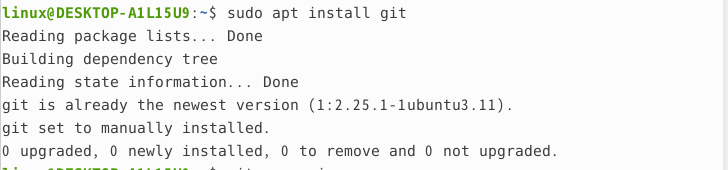 s
Step 3. Check the Git version to verify that it was installed correctly
git --version
Step 4. Try using it
Enter the information that will be uploaded when pushing to Git.
git config --global user.name [이름]

git config --global user.mail [메일 주소]
git clone the project to check whether it was downloaded correctly
git clone [url 주소] 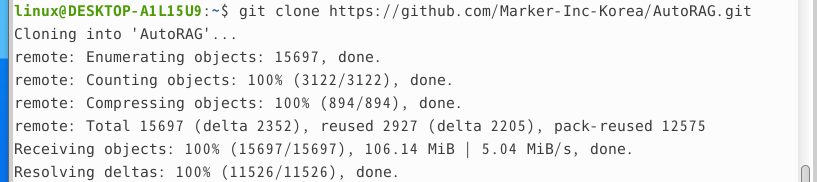
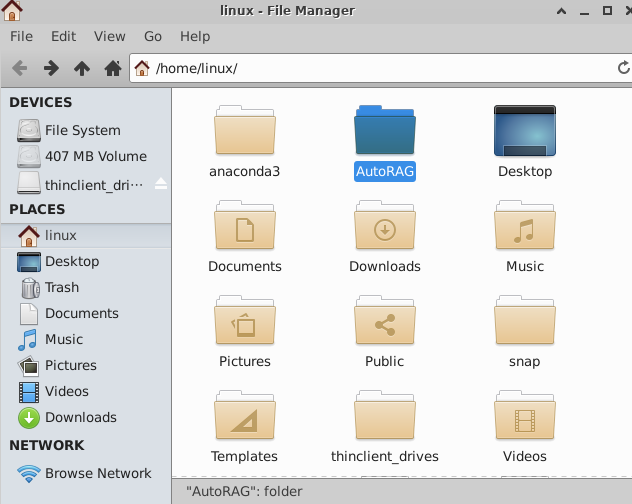
It was downloaded successfully.
🍳 Thoughts
I installed Git, a core program for the important version control needed when working on projects, and even used it directly to check whether it worked. As I install various programs, I should continue searching for a customized development environment on Linux.
References