Skip to content
Minsing Log
Go back

English Edition

Linux Survival Log D-7 (Installing Slack)

Programming & CS

🍳 Motivation

If you have a large project, collaboration is often necessary. When developing in a Linux environment at a company, I want to install Slack, one of the most representative tools for communication.

🍳 Tutorial

The official Slack website clearly explains how to download the Slack app on Ubuntu.

Installation

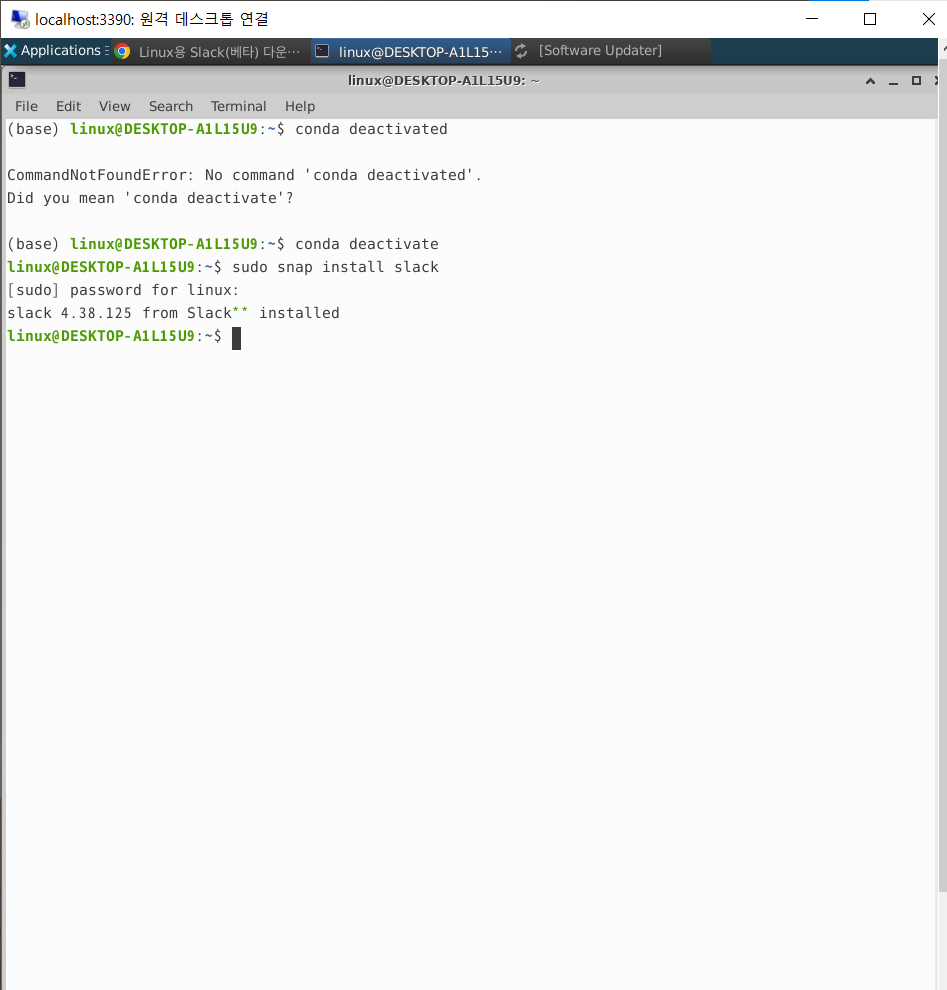
Open the terminal and install Slack using snap.

sudo snap install slack
How to Update

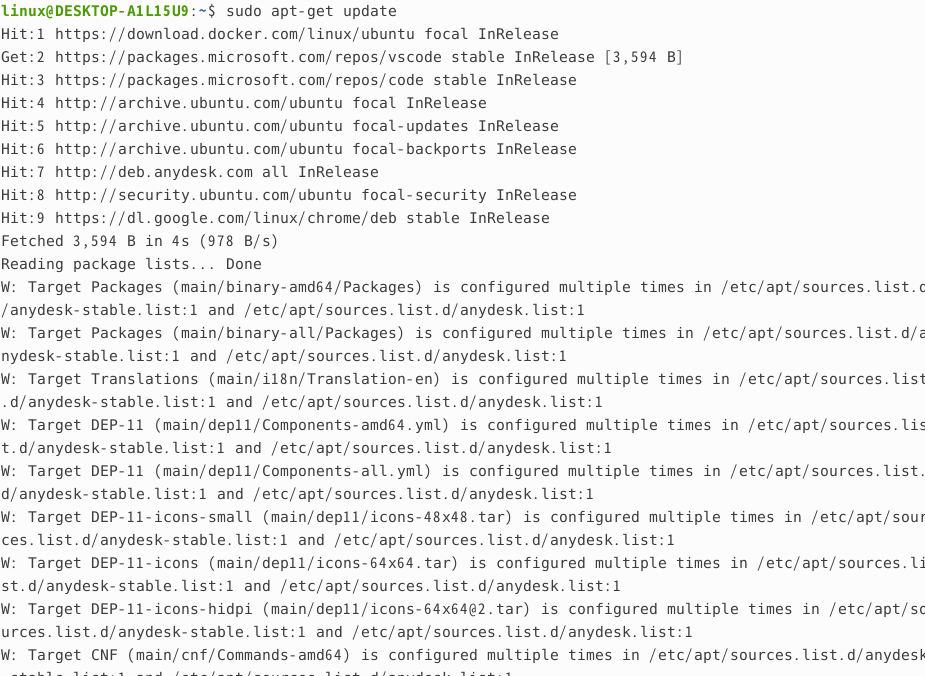
sudo apt-get update
sudo apt-get upgrade slack-desktop

How to Uninstall

sudo snap remove slack

Result

🍳 Thoughts

Slack has provided a convenient setup for installing it on Ubuntu.

Follow the journey

Get new posts by email.

Short, honest notes on building, startups, learning, failures, and retrospectives, for readers who follow the journey rather than pass through from search.

The newsletter is coming soon. Until then, follow via RSS or email me to get notified.


Share this post:

Comments

Sign in with GitHub to leave a comment.


Previous Post
Linux Survival Log D-8 (MongoDB Installation)
Next Post
Linux Survival Log D-6 (Git Installation)